
Rivo Circle
Bring better card choices into the plan.
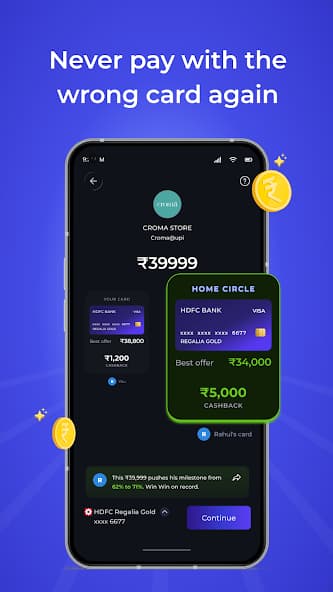
Compare your own and eligible shared-card options for the same planned purchase, without sharing payment credentials.
01 / 01Rivo Circle
- Step 01
Set the purchase
Start with the planned purchase and the context that matters.
- Step 02
Compare eligible options
See your options and the shared-card options you are allowed to compare.
- Step 03
Make the call
Decide together. Circle does not create automatic authority to charge another card.
Rivo Circle is a comparison and planning layer, not shared payment credentials or automatic authority to charge another card.
Get RivoGet Rivo
Available on Android. iOS is coming soon.